

Attending a live K-pop concert in South Korea is an electric spectacle, anchored by a sea of synchronized lightsticks illuminating entire domes in wave patterns and coordinating with stage choreography. However, holding an unlinked or counterfeit lightstick leaves you in the dark while thousands of surrounding fans flash in harmony with the music.
Successfully integrating your lightstick into the venue’s central wireless system requires three steps: securing an authentic unit through verified distributors, loading the correct alkaline power source, and mapping your precise ticket details via dedicated mobile apps. This comprehensive guide walks international travelers through sourcing genuine merchandise, performing software syncs, and avoiding the common hardware pitfalls that trap foreign concertgoers.
- Authentic Sourcing: Purchase strictly from official agency apps (Weverse Shop), accredited retail hubs (WITHMUU, Ktown4u, Music Korea), or venue merchandise booths to guarantee operational Bluetooth control chips.
- Power Setup: Lightsticks never come with batteries. You must supply three fresh AAA alkaline batteries; rechargeable low-voltage batteries often trigger mid-show signal disconnects.
- Concert Pairing: Seat synchronization occurs inside the artist’s official lightstick app prior to showtime by registering your physical or digital ticket’s Section, Row, and Seat number.
- Troubleshooting: If mobile pairing fails, on-site Pairing Booths and AS Centers operated by concert production staff outside the arena resolve technical errors before entry.
Where to Buy Authentic Lightsticks in South Korea

Counterfeit lightsticks are widespread across general tourist street markets and unvetted online marketplaces. While these knockoffs look identical externally, they lack the internal central-control Bluetooth motherboards necessary to respond to venue lighting boards. Securing an authentic unit requires buying from authorized retailers in Seoul or official event organizers.
Official Offline Retail Stores in Seoul
If you arrive in Korea several days before your event, buying your lightstick at an established brick-and-mortar music retailer saves you hours of queuing on concert day. You can browse bustling shopping districts such as Hongdae or explore a Myeongdong street at night lined with beauty shop signs and specialty music outlets to pick up goods in person.
- WITHMUU: Flagship branches are located inside AK Plaza Hongdae (2nd and 3rd floors) and Yongsan IPARK Mall. They stock current-generation lightsticks across multiple entertainment labels.
- Ktown4u COEX Academy: Situated in the Starfield COEX Mall complex in Gangnam, maintaining broad inventory for active promotional cycles.
- Music Korea: Conveniently located in Myeongdong, catering directly to international tourists with multi-language staff assistance.
Online Pre-Orders & Venue Pick-Up
For HYBE artists (such as BTS, SEVENTEEN, ENHYPEN, and TXT), the primary sales channel is the official Weverse Shop platform. Major concert tours frequently offer on-site collection windows: you purchase the lightstick within the app and collect it at designated express pick-up zones at the stadium on performance day. Other prominent pre-order portals include Ktown4u and the WITHMUU online mall. Online orders accept international payment methods including foreign credit cards (Visa, Mastercard, JCB), PayPal, and Eximbay.
Stadium Merchandise (MD) Booths
Official merchandise tents operate outside the concert venue on performance dates. While this guarantees 100% authenticity, lines form extremely early. Inventory limits are strictly enforced—normally capped at 1 to 2 lightsticks per customer—and stock routinely sells out well before the doors open. Payment at stadium booths can be made with major international credit cards or Korean Won (KRW) cash.
How to Verify Authenticity Before the Concert
Never wait until the arena lights drop to discover whether your device functions. Perform authenticity checks immediately after acquiring your merchandise.
First, examine the packaging. Every authentic K-pop lightstick features an agency-certified hologram sticker or hidden tag authentication seal affixed to the box exterior. Agencies like SM, JYP, YG, and HYBE use reflective proprietary micro-patterns that cannot be replicated by casual bootleggers.
Second, execute an active hardware pairing test via your smartphone. Download the artist’s official lightstick mobile app from the Apple App Store or Google Play Store (e.g., BTS Official Lightstick, CandyBong Module for TWICE, or NCT Official Lightstick). Enable your phone’s Bluetooth, turn on the lightstick, and hold the control button down to enter Bluetooth pairing mode (often indicated by a pulsing blue LED). If the application successfully discovers the device and allows manual color changes in “Self Mode,” the internal chipset is genuine.
Cost Overview and Specifications
Budgeting for concert equipment in Korea is straightforward, but minor accessories like dry-cell batteries must be factored in separately.
| Item / Service | Typical Price (KRW) | Notes & Operational Rules |
|---|---|---|
| Official Lightstick | 40,000 – 65,000 KRW | Prices vary by agency and version; purchase limit usually 1–2 per person. |
| AAA Alkaline Batteries (3-pack) | 3,000 – 5,000 KRW | Available at standard convenience stores (GS25, CU, 7-Eleven). Not included in box. |
| Official Sync App | Free (0 KRW) | Downloadable globally on iOS and Android; no regional lock for international accounts. |
| On-Site Pairing Assistance | Free (0 KRW) | Available at the stadium Help Desk / AS Pairing Booth outside gates. |
Note: Specific product prices, exact venue booth operating hours, and purchase limits vary by tour and are announced 3 to 7 days before the event by the tour promoter.
Step-by-Step: Battery Setup and Seat Pairing
Synchronizing your device links its unique wireless ID to your allocated seat coordinate in the stadium’s central light map. Follow this structured process either the evening before or on the morning of the show.
Step 1: Install Fresh Alkaline Batteries
Unscrew the base cap of the lightstick handle and pull out the internal battery carrier. Insert three brand-new AAA alkaline batteries, paying close attention to the positive (+) and negative (-) markings embossed inside the tray. Reinsert the carrier in the proper directional orientation and screw the cap firmly shut. Avoid mixing old and new cells, as uneven voltages disrupt wireless antennas.
Step 2: Gather Ticket Data and Open the App
Retrieve your physical admission paper ticket or your digital booking confirmation from Interpark Global, Melon Ticket Global, or Yes24 Ticket. Launch the specific lightstick application on your mobile device. Ensure Bluetooth and Location Services are toggled on in your smartphone’s operating system settings.
Step 3: Select Concert Mode & Input Seat Coordinates
Inside the app, tap Concert Mode (sometimes labeled Ticket Pairing). Select the specific performance date and venue location you are attending. You will be prompted to manually enter your seating parameters: Floor/Stand, Section, Row, and Seat Number. Certain apps also offer a camera barcode/QR scanner that inputs these numbers directly from paper tickets.
Step 4: Engage Bluetooth Pairing Mode
Activate your lightstick’s pairing sequence. On most modern devices, this involves pushing the power switch downward or holding the primary button down for 3 to 5 seconds until the LED pulses blue. Bring the lightstick within a few inches of your smartphone screen. The app will confirm connection, flash confirmation colors on the lightstick head, and display a “Pairing Complete” success prompt.
Step 5: Venue Activation During Showtime
Once inside the arena, turn the lightstick’s power switch on. Keep it in default concert mode rather than manual color-selection mode. As the arena production team initiates central control right before opening songs, stage transmissions will override individual devices, syncing your lightstick to the grand stadium light formations.
Troubleshooting Common Failures on Concert Day
Even tech-savvy attendees encounter unexpected pairing snags in dense arena environments. Understanding these standard technical errors prevents pre-show panic.
Device Drops Bluetooth Mid-Show: This almost always indicates low voltage. Always run lightsticks on standard, non-rechargeable alkaline batteries. Heavy-duty zinc-carbon or low-voltage rechargeable NiMH cells (often delivering 1.2V instead of the required 1.5V) rapidly drop below the operational threshold required by the Bluetooth receiver, resulting in sudden disconnections.
App Stalls on Bluetooth Search: High-density radio interference outside stadium gates can scramble smartphone connections. Step away from massive crowds or perform your app pairing inside your hotel room earlier in the day. The pairing data remains stored in the lightstick’s onboard memory once completed.
Input Errors: If you accidentally type Section 102 instead of Section 201, your lightstick will illuminate in the wrong colors during seat-mapped patterns. Re-open the app, click “Modify Seat Info,” and pair again. If you changed seats or upgraded tickets via official box office exchange, re-pairing is mandatory.
Visit the On-Site Pairing / AS Booth: Major venues (such as KSPO Dome, Gocheok Sky Dome, or Seoul World Cup Stadium) host official lightstick service desks. If your hardware fails to pair or displays erratic LED colors, queue at the “Pairing Booth” or “AS Center” outside the concourse. Staff members use specialized handheld diagnostic scanners to re-flash lightstick firmware on the spot at no charge.
Pro Tips for Tourists
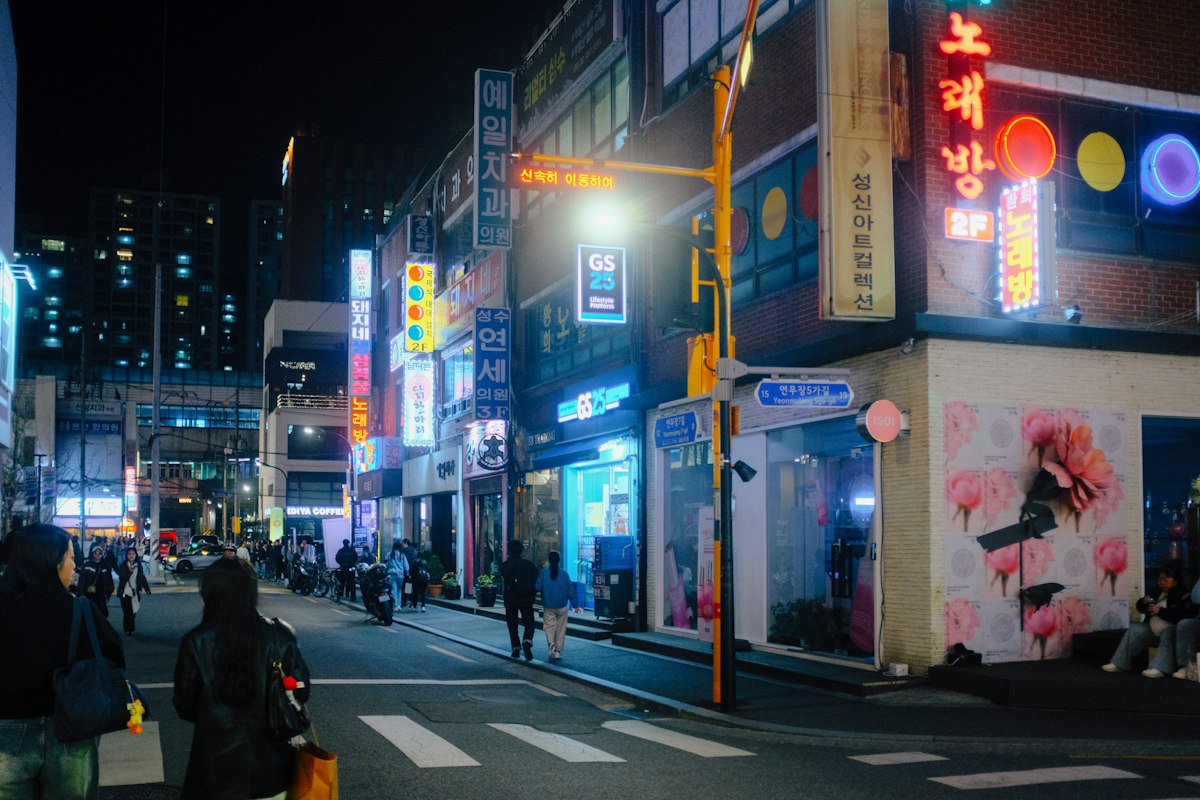
- Buy Batteries Far Away from the Stadium: You can quickly spot a Seoul street corner at night with a GS25 and a neon noraebang sign near your hotel to buy AAA batteries in advance. Convenience stores adjacent to major stadiums predictably run completely out of AAA packs hours before soundcheck.
- Pack an Extra Set of Three AAA Batteries: High-output LEDs operating on continuous central wireless sync drain batteries in approximately 4 to 6 hours. Carrying three extra AAA batteries inside your clear concert bag guarantees you will not end up with a dead stick during the encore.
- Never Buy from Unofficial Street Vendors: Sidewalk peddlers lining the subway exits leading to the stadium sell lightsticks at discounted prices. These units are nearly always bootleg copies that cannot link to the production board.
- Remove Batteries Immediately Post-Concert: When returning to your accommodation, unscrew the handle and take out the battery tray. Leaving alkaline batteries inside a closed lightstick during humid travel promotes battery terminal leakage and corrosion, permanently ruining expensive circuit boards.
- Firmware Updates Matter: Open the lightstick app while connected to strong hotel Wi-Fi 24 hours prior to the show. Many agency apps push mandatory firmware updates immediately preceding a tour run. Attempting to download firmware over saturated venue cellular networks can lead to failed updates.
Frequently Asked Questions
Do I need a Korean phone number or Korean app store account to pair my lightstick?
No. Official lightstick apps (including Weverse and individual agency apps) are available internationally on global versions of the Apple App Store and Google Play Store. You do not need a domestic Korean mobile carrier (+82 SIM card) to connect the app or configure seat sync.
What happens if my concert ticket has standing floor admission without an assigned seat?
If your ticket is for general admission standing sections (often labeled “Standing A” or “Standing Area”), select the corresponding Floor/Standing option in the pairing menu. You will enter your designated standing queue number or area letter as instructed by the specific event configuration in the app.
Will my older generation lightstick work at an upcoming concert?
Compatibility depends strictly on tour guidelines announced by the artist’s management agency. While some groups support previous versions for wireless sync, many modern tours require the newest version (e.g., Version 3 or 4) to interface with updated wireless control equipment. Check the official tour merchandise announcement on Weverse or official fan club notices before the concert date.