
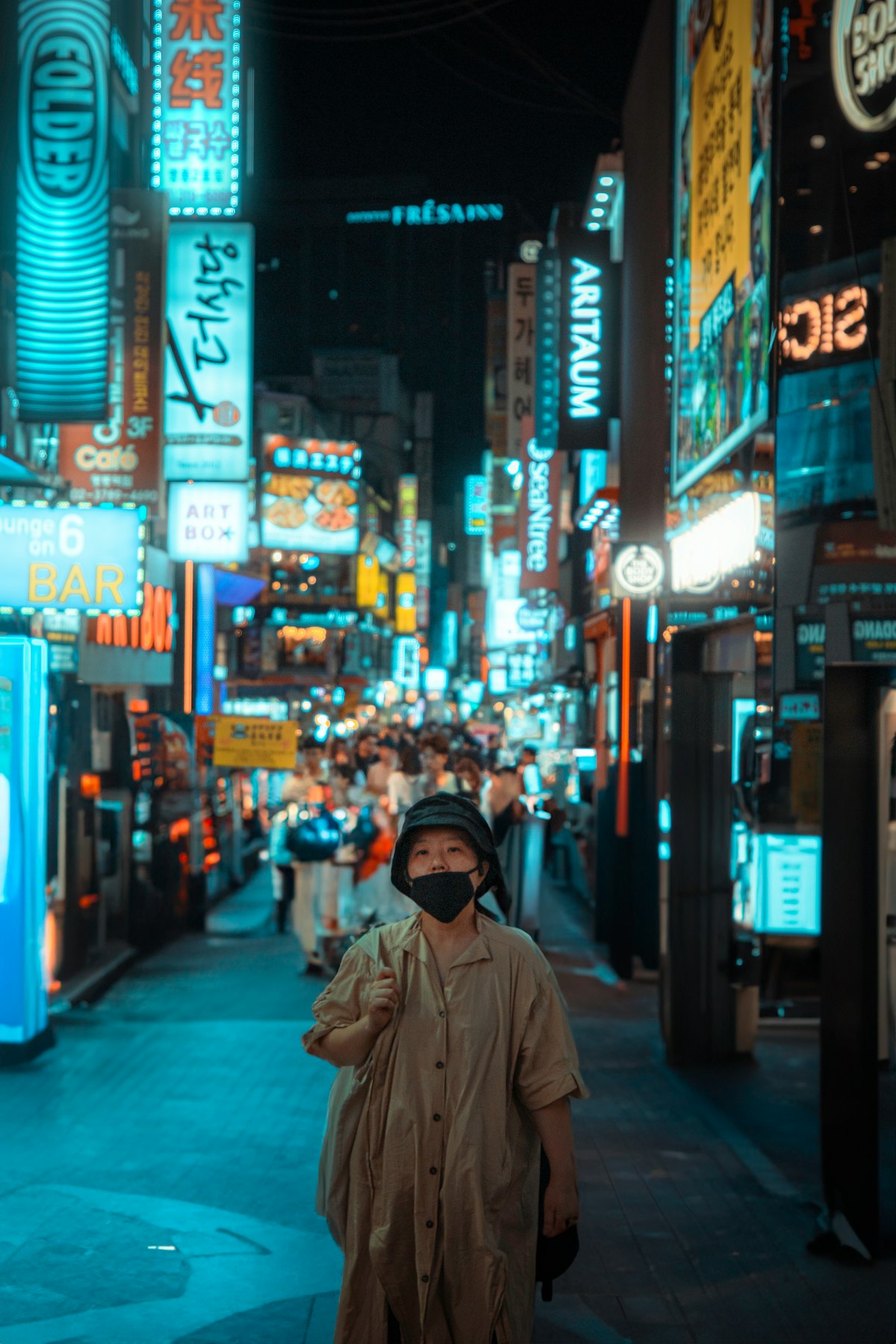

Securing entry to a limited-time K-Pop pop-up store in Seoul is one of the most exciting experiences for international fans visiting South Korea. From exclusive album merchandise releases and interactive media zones to limited-edition concept apparel, these events in hotspots like Seongsu-dong, Hongdae, and The Hyundai Seoul attract thousands of visitors daily. However, navigating the reservation ecosystem as a foreign tourist presents distinct technical hurdles, including localized mobile number requirements, identity verification locks, and strict on-site document checks.
Without advance preparation, international travelers frequently face immediate entry denial at the door due to mismatched reservation names or missing physical identity documents. This practical guide outlines the precise steps, digital platforms, queue strategies, and verification rules required for foreign passport holders to successfully access K-Pop pop-up stores across Seoul.
- Online Pre-Booking Channels: Advance reservations are generally handled via Catchtable Global, Naver Booking, or artist platforms like Weverse.
- On-Site Electronic Queues: Walk-up access requires registering at an outdoor electronic kiosk tablet (often powered by Catchtable Global) starting early in the morning.
- Strict Identity Matching: The registered reservation name must match your physical original passport or Alien Registration Card (ARC) exactly. Screenshots and smartphone photos are routinely rejected.
- Accepted Payment Methods: Entry is usually free; merchandise purchases can be completed using major international credit cards (Visa/Mastercard/AMEX/JCB), WOWPASS, NAMANE cards, or Korean Won (cash).
- Main Reservation Barrier: Most booking failures stem from domestic Korean platforms requiring 11-digit local mobile numbers (010 prefix) or South Korean identity verification (본인인증).
Understanding the Seoul K-Pop Pop-Up Reservation System

Pop-up stores operated by major entertainment agencies such as HYBE, SM Entertainment, JYP Entertainment, and YG Entertainment rely on digital queue systems to control foot traffic and ensure visitor safety. These venues operate under two primary entry models: scheduled online pre-reservations and on-site day-of registration. Knowing which system a specific pop-up uses is the single most critical factor in securing entry.
Domestic Korean booking portals frequently enforce identity verification steps (known locally as bonin-injeong, 본인인증), which require a Korean residence card (ARC) linked to a domestic mobile carrier contract. Because short-term foreign tourists rely on international mobile numbers or prepaid travel SIM cards, domestic platforms like local Naver Booking or Kakao T Booking can block foreign accounts during the final checkout stage. To bypass this barrier, event organizers increasingly utilize international-friendly portals like Catchtable Global or official global fan platforms like Weverse.
Step-by-Step Reservation and Entry Process for Foreigners
Follow this sequential breakdown to navigate announcements, secure time slots, and pass physical verification at pop-up venues in Seoul.
Step 1: Monitor Official Announcement Channels
Pop-up store details—including dates, venues, purchase caps, and reservation opening times—are announced 1 to 3 weeks prior to opening. Monitor the official X (formerly Twitter) accounts, Instagram pages, and Weverse community notices dedicated to the specific artist or agency. Take careful note of the exact ticketing platform specified in the notice, as reservation links are typically activated at a set minute (frequently 6:00 PM or 8:00 PM Korean Standard Time).
Step 2: Secure Online Pre-Reservations
If the event offers advance booking, access the designated booking interface immediately when ticketing opens:
Using Catchtable Global: Download the Catchtable Global mobile application or open their web interface. Register your profile using an active email address or an international mobile number. Search for the specific K-Pop pop-up event, select your desired date and time slot, and input your primary name exactly as printed on your passport machine-readable zone. Upon completion, a confirmed digital booking card with a dynamic QR code will be generated.
Using Naver Booking: Foreign tourists can register standard Naver accounts using international mobile SMS verification. However, if an event notice mandates local Korean identity verification (본인인증), non-residents without an ARC cannot complete the pre-booking. In such cases, foreign fans must rely on on-site walk-up queue systems instead.
Step 3: Register for On-Site Waiting Queues
When advance tickets sell out or when a pop-up operates exclusively on a walk-up basis, visitors must join the on-site electronic queue. Arrive early at the venue location, particularly for high-demand pop-ups in Seongsu-dong, Hongdae, or shopping complexes like The Hyundai Seoul in Yeouido, where queue lines begin forming before morning opening hours.
Locate the queue registration tablet kiosk placed near the store entrance. Touch the screen interface and select the options marked “Foreigner” or “International Phone Number” (supported on Catchtable Global kiosk systems). Enter your country code alongside your mobile number, or provide a valid email address/WhatsApp contact as prompted. Once submitted, you will receive a digital waiting ticket showing your real-time queue position. You can leave the immediate queue area, but you must monitor your status continuously on your phone and return within the strict 10-to-15-minute call window when notified.
Step 4: Complete On-Site Physical ID Verification
When your group number is called, present yourself to venue security staff at the entrance line. You must display your live, active app confirmation screen or original confirmation email. Static screenshots, screen recordings, or forwarded messages are strictly prohibited to prevent unauthorized ticket reselling.
Simultaneously, hand your physical, original Passport or Alien Registration Card (ARC) to venue security staff. Staff will manually match the spelling and letter sequence of your full name on the reservation screen against your official document. If the names match, you will receive an entry wristband or stamp and be allowed into the retail hall.
Step 5: Checkout and Accepted Payment Options
Once inside, visitors browse the floor and proceed to the checkout registers. Pop-up stores in Seoul generally accept major international credit cards (Visa, Mastercard, American Express, JCB), physical South Korean Won (cash), and specialized tourist payment cards such as WOWPASS and NAMANE Card. Local mobile payment apps such as Kakao Pay or Payco are generally unverified for foreign visitors unless linked directly to a local South Korean bank account.
Operational Overview: Fees, Hours, Limits, and Requirements
The operational parameters of K-Pop pop-up stores are established by event organizers and venue managers. While core procedures remain consistent, exact store hours, per-person purchasing caps, and entry fees vary by event. Specific policies should always be reconfirmed with the official venue operator or event announcement prior to arrival.
| Feature / Parameter | Standard Tourist Policy | Verification & Notes |
|---|---|---|
| Entry Fee | Free (0 KRW) for general entry | Confirm with event organizer; select ticketed exhibition pop-ups charge separate admission fees. |
| Booking App Fees | Free (0 KRW) | Catchtable Global and Naver do not charge consumer reservation fees for standard bookings. |
| Operating Hours | 10:30 AM – 8:00 PM (Malls) 11:00 AM – 8:00 PM (Street venues) |
Confirm with venue operator; department store venues (e.g., The Hyundai Seoul) follow mall operating hours. |
| Purchase Caps | 2 to 5 items per SKU per person | Confirm with official event notice; rules strictly enforced at registers to combat commercial scalping. |
| Identification Document | Physical Original Passport / ARC | Mandatory for entry. Photocopies and digital phone pictures are universally turned away. |
Common Errors That Cause Registration and Entry Rejection
A significant number of foreign visitors face entry rejection at pop-up locations due to easily avoidable procedural mistakes. Venue security staff strictly enforce agency guidelines without exception. Understanding these specific failure points will save time and prevent disappointment on site.
1. Name Format Mismatch on App Booking
When making an online pre-reservation, your profile name must match the structural spelling on your physical passport. Common errors include omitting middle names, using informal nicknames, or reversing first and last names contrary to official identity documents. If your booking reads “Alex Smith” but your passport displays “Alexander James Smith”, staff may deem the ticket invalid.
2. Presenting Digital ID Images Instead of Physical Documents
Venue security explicitly rejects smartphone photos, PDF scans, or printed photocopies of passports. You must present the physical, original booklet passport or Alien Registration Card. Staff perform physical checks to verify document authenticity and match photo identities.
3. Legacy On-Site Kiosks Demanding 010 Korean Phone Numbers
While many trendy pop-ups in Seongsu now run international-friendly Catchtable Global kiosks, some independent or localized venues utilize legacy Korean queuing software. These older systems require an 11-digit local mobile number starting with “010” to send SMS entry alerts. If an international SIM card cannot receive standard local SMS messages, seek assistance immediately from on-site security staff, who can manually record your email address or queue number.
4. Attempting to Present QR Screenshots
Due to secondary market reselling and ticket scalping, event staff check for dynamic elements on the live Catchtable Global or Weverse app interface. Presentation of a static image screenshot or video recording will result in immediate ticket cancellation at the door.
5. Local Domestic Identity Verification (본인인증) Lockouts
Attempting to reserve pop-ups via domestic Korean portals (such as standard Naver Booking pages intended for local residents) requires a domestic Korean phone plan registered under your legal identity. Short-term travel SIM cards lacking full Korean voice/SMS contracts cannot complete this verification stage. Always verify whether the organizer provides an international portal before attempting to reserve domestic channels.
Pro Tips for Tourists
- Create App Profiles Before Departure: Download Catchtable Global and complete profile registration, including international phone verification, prior to arriving in Korea so you can secure reservations instantly when notices drop.
- Arrive at Mall Pop-Ups Before Doors Open: For popular pop-ups located inside major shopping complexes like The Hyundai Seoul or Lotte World Mall, join the designated outdoor waiting lines before standard retail opening hours (usually 10:30 AM) to register on queue kiosks early.
- Carry a Compact High-Capacity Power Bank: On-site queues can require hours of periodic checking, during which continuous background app refreshing and map navigation deplete smartphone batteries quickly.
- Double-Check Specific Merchandise Purchase Thresholds: Many pop-up stores offer exclusive random photocards or gifts for purchases exceeding specific amounts (e.g., 50,000 KRW). Confirm these tiers in official notices beforehand to plan merchandise spending accordingly.
- Keep Physical Cash as a Backup Payment Method: Although South Korea is virtually cashless, foreign credit cards may occasionally face automated bank security flags or network communication errors at temporary pop-up card terminals. Carrying emergency South Korean Won avoids transaction failures.
Frequently Asked Questions
Can I enter a K-Pop pop-up store using a photo of my passport on my smartphone?
No. Pop-up store staff strictly enforce physical identity checks to prevent scalping and identity fraud. You must present your original physical passport or Alien Registration Card (ARC) at the entrance. Smartphone photos, PDF scans, and printed photocopies are universally rejected.
What should I do if the on-site queue kiosk requires a local Korean phone number?
If an outdoor tablet kiosk only accepts 11-digit domestic Korean phone numbers (010 prefix) and you hold an international SIM card, inform the event staff stationed nearby. Staff running pop-up queues in tourist districts regularly assist foreign visitors by manually logging email addresses, WhatsApp numbers, or entering secondary queue overrides.
Are international credit cards accepted for merchandise purchases at pop-ups?
Yes, virtually all official K-Pop pop-up stores accept major foreign credit cards, including Visa, Mastercard, JCB, and American Express. Rechargeable tourist cards like WOWPASS and NAMANE cards are also fully supported, along with local physical cash in South Korean Won (KRW).