

Booking KTX tickets is straightforward when you use Korail’s foreign-language booking path, but popular trains can sell out and foreign-card verification can interrupt checkout. The safest approach is to book early, confirm the departure station, and save the issued ticket before heading to the platform.
A lot of guidebooks tell you that booking the KTX on your own as an international visitor is too frustrating because of Korea’s notoriously gated payment systems. That is only half-true. While the domestic Korail app can be finicky for non-residents, the official English booking portal is actually straightforward once you know how to bypass the common foreign credit card traps. This guide covers how to secure seats, compare train cars, and avoid unnecessary booking markups.
- Booking Window: Tickets open exactly 30 days in advance at 07:00 KST. Book Seoul–Busan routes immediately for weekends.
- Best Booking Method: Use the official English desktop site (LetsKorail) or the English version of the KorailTalk app. No Korean phone number or resident ID is required.
- Foreign Cards: Visa, Mastercard, and JCB work seamlessly if your issuing bank has 3D Secure / OTP verification enabled.
- No Physical Gates: Korea uses an honor system—there are no turnstiles at stations. Keep your PDF ticket or screenshot handy on your phone.
The Official Korail Website vs. Third-Party Agents

You will inevitably see platforms like Trip.com or Klook advertising KTX tickets. While these aggregators are completely legitimate, they often charge convenience markups or lack the full interactive seat selection map. My default rule is simple: always book directly through Korail’s official portal (LetsKorail) or the English KorailTalk mobile app.
A standard one-way KTX ticket between Seoul and Busan costs roughly 59,800 KRW (approx. $45 USD) for standard class. Third-party portals can tack on booking fees or restrict you to computer-assigned seats. Booking directly on Korail keeps your ticket flexible, guarantees the lowest price, and lets you choose precisely which direction you are facing.
Step-by-Step: Booking Online with a Foreign Passport
When you book as an international tourist, you do not need to register for an official Korail membership account. Instead, you check out as a non-member foreign traveler. Here is how the process works without a hitch:
1. Navigate to the English Portal
Head to the LetsKorail official website and click the English tab in the top-right corner. Select “Booking” from the main menu. Enter your departure station (e.g., Seoul or Yongsan), arrival station (e.g., Busan, Dongdaegu, or Gangneung), your date, and number of passengers.
2. Pick Your Exact Train Model
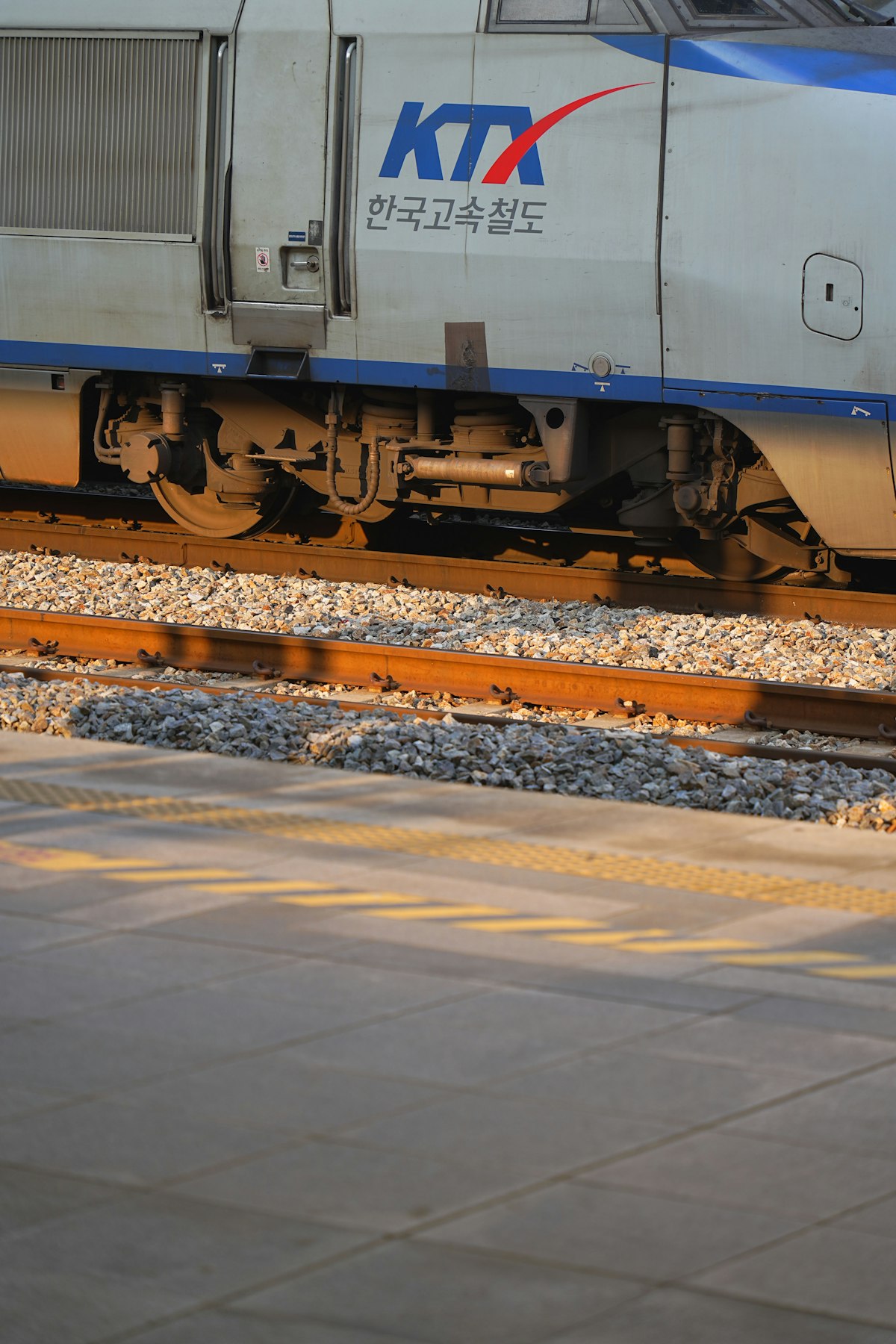
You will see options like KTX, KTX-Sancheon, and occasionally the newer KTX-Eum or KTX-Cheongnyong. When train choice is available, compare the KTX-Sancheon with the original KTX before selecting a seat. The sleek KTX high-speed train marked with the modern rail branding offers far better legroom, power outlets at every single seat, and cabins designed so every seat faces forward.
3. Enter Tourist Details Carefully
You will be prompted to enter your Full Name (exactly matching your passport), Nationality, Email Address, and a Password (4 to 6 numbers you create). Do not rush this step. That password and your email address are the only credentials you will use to retrieve, reprint, or refund your tickets later.
The Foreign Credit Card Payment Trap (And How to Fix It)
Foreign-card verification is one of the most common points of failure during checkout. A payment can time out or return a vague error when the card issuer’s 3D Secure verification does not complete, so keep the issuer’s app available and prepare a second card.
Korail requires secondary authentication for international card transactions. If your bank requires an SMS verification code and you have swapped your domestic SIM card for a Korean tourist eSIM that cannot receive SMS from home, your transaction will fail. Here is how to ensure smooth payment:
- Select “Foreign Credit Card” at checkout, not “Domestic Card”.
- Ensure your credit card supports Visa Secure, Mastercard Identity Check, or American Express SafeKey.
- Keep your home bank’s mobile app open so you can approve push notifications instantly instead of relying on SMS texts.
- If your primary card is rejected, try a digital travel debit card like Wise or Revolut—they may work when another issuer declines, but approval is not guaranteed.
Seat Selection Strategy: Avoid the Dreaded Backward Seats
If you are riding the original KTX-1 (the 20-car classic train), half of the standard seats face backward relative to the train’s travel direction. If you get motion sickness or simply hate traveling in reverse at 305 km/h, pay close attention to the seating layout graphic on Korail’s selection screen:
Arrows on the seating chart indicate the train’s direction of travel. Seats pointing in reverse are clearly marked (and are sold at a microscopic 5% discount). For solo travelers, Car 2 on the original KTX is the Cinema Car (often regular seating now), while Cars 2, 3, and 4 are First Class (Teuksil). First Class costs roughly 83,700 KRW (~$63 USD) from Seoul to Busan—a worthwhile splurge that gets you wider 2×1 leather seats, complimentary bottled water from the hallway vending dispensers, and snack packets.
Comparison: KTX Booking Channels for Tourists
| Booking Method | Price & Fees | Seat Selection | Best Used For |
|---|---|---|---|
| LetsKorail (Official Site) | Zero markup (Official KRW rate) | Full interactive seat map | Advance bookings 30 days out from desktop |
| KorailTalk (Official App) | Zero markup (Official KRW rate) | Full interactive seat map | On-the-go bookings while already in Korea |
| Third-Party Portals (Trip/Klook) | 5-10% markup or FX conversion fee | Often auto-assigned only | When foreign cards refuse 3D Secure on Korail |
| Station Counter / Kiosk | Official rate (cash or physical card) | Subject to remaining inventory | Spontaneous local travel (risky on weekends) |
Boarding the Train: Where Are the Ticket Gates?
A major cultural shock for first-timers arriving at Seoul Station is looking for turnstiles. You can walk straight off the concourse, through the station hall, down the stairs, and step directly onto the train platform without passing a single automated gate or showing your ticket to anyone.
Korea operates entirely on a digital trust and verification model. Train conductors carry specialized handheld PDAs that sync in real-time with Korail’s seating database. They know exactly which seats are purchased, which are empty, and which have been vacated at intermediate stops. If you are sitting in your designated seat, nobody will bother you. If you sit in an unsold seat or board without a ticket, the conductor will notice immediately, and you will be hit with an on-the-spot penalty fine of up to 10 times the fare.
Pro Tips for Tourists
- Watch Out for Chuseok and Seollal: During the major national holidays (Korean Thanksgiving and Lunar New Year), train sales open on special lottery days months early and sell out in seconds. Avoid traveling intercity via KTX on those holiday weekends altogether.
- Save a PDF Screenshot: Once your booking is confirmed, download the ticket PDF and take a screenshot showing the train number, carriage number (Ho-cha / 호차), and seat number (Jwa-seok / 좌석). Underground cellular reception at terminal platforms can occasionally lag.
- Mind Your Departure Station: Not all KTX trains leave from Seoul Station. Trains heading southwest toward Jeonju, Gwangju, and Mokpo frequently depart from Yongsan Station, just two subway stops away on Line 1. Double-check your departure terminal!
- Eat Before You Board: Dining cars no longer operate on KTX trains, and cart trolley service has been discontinued. Grab a bento box (Dosirak) or a couple of warm buns from the bakery shops inside the station before you head down to the platform.
- Standing Tickets as a Last Resort: If tickets are fully sold out online, you can buy an ipsuk (standing) ticket directly from the station counter on the day of departure. Stand in the vestibule between carriages where fold-down jump seats are available on a first-come, first-served basis.
Frequently Asked Questions
Do I need to print my KTX ticket at the station?
No, you do not need a physical paper ticket. Having the PDF open on your smartphone or showing the ticket inside the KorailTalk app is completely sufficient. You only need to present it if a train crew member asks to verify your identity.
What should I do if my foreign card keeps getting declined on Korail?
First, verify with your card provider that overseas transactions and 3D Secure verification are enabled. If payment still fails, switch to a borderless digital debit card like Wise or Revolut. As a last resort, use Trip.com, which processes international credit cards through global payment networks without triggering Korean security blocks.
How easy is it to cancel or modify a KTX ticket as a tourist?
Canceling is remarkably cheap and easy. If you cancel more than one day before departure on the official LetsKorail website, the cancellation fee is zero. Even on the day of departure up to one hour before the train leaves, Korail only charges a tiny 400 KRW cancellation fee (under $0.30 USD). Simply look up your booking using your passport details and your custom reservation password.